Overlay Images Online - Free Tool
Upload an image and apply an overlay effect
The functionality of overlaying images online has completely changed the way people edit images for personal, business, and commercial purposes. Whether you are designing social media photos, merging images for a design project, or applying transparency effects for branding purposes, today’s photo overlay software has made it easy for everyone. Unlike traditional desktop software, online image editors enable users to overlay images online without having to install software, making image overlaying fast, flexible, and privacy-friendly. With the increasing need for free photo overlay software, functionality such as opacity adjustment, blend modes, and positioning has become a necessity for designers, marketers, and content creators. This article discusses how picture overlay software works online, its significance in image content creation, and how to use image overlay software effectively as part of an image editing process.
Essential Features of Professional Overlay Images Online
Specialized photo overlay software separates itself from the pack by offering certain features that elevate simple image merging into advanced design possibilities. The layer panel is your control room, giving you a visual ordering of all the elements within your design and allowing you to rearrange, hide, or modify individual layers without affecting the other elements in your stack. The advanced mode overlay option opens up further levels of control that may not be necessary for casual users but are essential for professionals, such as numerical positioning, rotation tools, and the full range of blending options that allow you to create different visual effects between layers. Grid snap alignment options are designed to help you perfectly position your overlays on top of your base image or other elements of your overlays, especially when designing layouts that demand geometric accuracy or when placing multiple watermarks on a series of photos.
Opacity adjustment is perhaps the most basic but essential feature, allowing you to modify the transparency of any layer in your overlays to create anything from subtle watermarks to striking double exposure pictures where both photos have an equal effect on the final output. The feature of adding multiple overlays changes the way you work with the images from simple two-image overlays to complex ones that may involve dozens of different elements such as images, graphics, text overlays, and other design elements. Pixel-perfect positioning options enable you to position overlay photos with absolute precision either by using drag-and-drop tools or by entering exact coordinate values in numerical input fields. Advanced blend modes enable you to mathematically combine pixel values in ways that are not possible by adjusting the opacity of the images, with options such as multiply, which darkens images based on their color values, and screen, which creates brightening effects perfect for adding light leaks and other atmospheric effects.
Creating Engaging Social Media Graphics with Overlay Photo Editor
Social media success increasingly more depends on visible content that forestalls scrollers of their tracks, and overlay techniques provide the tools had to create engaging posts that integrate pictures with textual content and photo elements. When you overlay photograph factors for social media posts, knowledge platform-specific dimensions ensures your content material displays optimally whether users view it on Instagram, Facebook, LinkedIn, or different networks. The method begins with deciding on a compelling base photograph that has visual hobby and compositional space wherein textual content and pictures can be positioned with out obscuring essential factors or developing cluttered, confusing layouts. Adding textual content overlays calls for careful attention of font choice, with ambitious, clean typefaces ensuring clarity on small cellular monitors where maximum social media intake happens. Contrast will become critical while covering textual content on pics, with mild textual content requiring darker historical past areas for legibility and darkish text needing lighter areas, now and again necessitating semi-transparent colour blocks at the back of textual content to make sure clarity regardless of the underlying picture.
Creating expert classified ads and promotional graphics includes layering a couple of factors such as your product or service imagery, compelling headlines, supporting text, trademarks, and calls to action, all balanced to guide the viewer's eye thru the information hierarchy. The capability to mix more than one pics with adjustable opacity permits for innovative cut up-display effects, before-and-after comparisons, and university-fashion posts that tell extra complex visual testimonies than unmarried snap shots can bring.
Practical Applications for E-commerce and Product Photography
E-trade dealers rely closely on picture overlay strategies to create compelling product images that drives conversions and truly communicates product features and advantages to capability clients. The capacity to add sale badges and promotional text to product photos right now attracts attention to big gives, with vivid colors and clean typography developing urgency that encourages immediately shopping selections. Overlaying length charts directly onto product pics enables clients make informed choices without leaving the product web page, reducing returns caused by incorrect sizing and enhancing overall customer satisfaction. Before-and-after compositions created via strategic image masking exhibit product effectiveness, in particular for beauty products, cleaning elements, and home improvement items where visual proof of outcomes influences shopping for decisions.
Adding logo emblems to product photography ensures emblem recognition throughout all advertising channels, specifically crucial whilst pix is probably shared or reposted with out right attribution maintaining brand presence. Creating steady product templates through overlay techniques streamlines photography workflows, with standardized brand placement, badge positions, and textual content styling retaining professional cohesion throughout whole product catalogs.
Faqs
Is there a limit to how many times I can overlay the same image
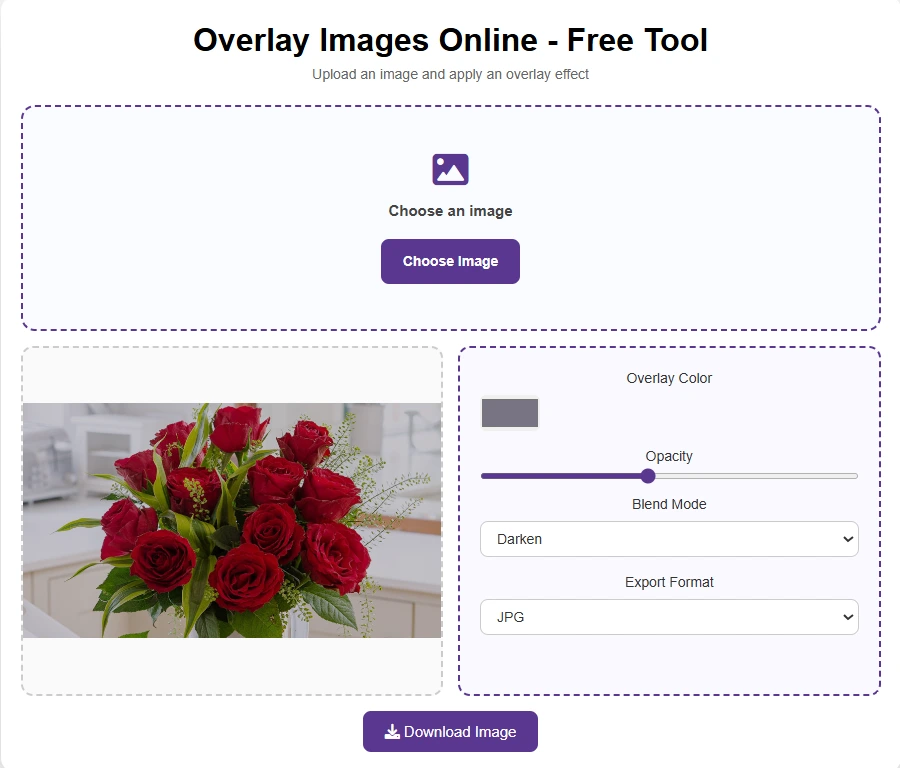
No. You can re-upload and adjust the overlay as many times as you like - change the color, opacity, or blend mode and reprocess the same image with no usage limit.
What blend modes work best for different overlay effects?
In multiply mode, you achieve strong darkening and texturing. Screen mode tends towards lighter, more ethereal effects. Overlay mode increases contrast for strong, punchy graphics. For simple transparency effects, use normal mode with a adjustment for opacity. Experiment with the different modes on your own images to determine which one works best for your intended purpose.
Is it safe to use online overlay tool?
Browser-based tools that perform all the tasks on your computer are as private as desktop applications since your files never leave your computer.