Image to Base64 Online - Free Converter
Upload an image and convert it to Base64 instantly
Web developers and designers operating in today’s fast-paced digital environment always try to introduce innovative solutions that could optimize and enhance website performance. One such method of optimizing and enhancing website performance involves a technique called encoding pictures into a data URI format. This innovative method does not require any dependencies on external resource files. Such a comprehensive guide aims to introduce readers to a highly effective method of transforming photos into a different text format, with a focus on the different dimensions of this entire process. This entire process of encoding pictures into a different format is a highly effective method because it helps developers eliminate dependency on external resources. This guide aims to introduce users to a highly effective method of transforming images into a text format. Web developers always try to introduce innovative solutions that could enhance and optimize website performance. The entire process of encoding pictures into a different format is a highly effective method because it offers a wide array of advantages, including a high level of compatibility. This guide aims to introduce users to a highly effective method of transforming pictures into a text format and highlight its innovative advantages in different dimensions.
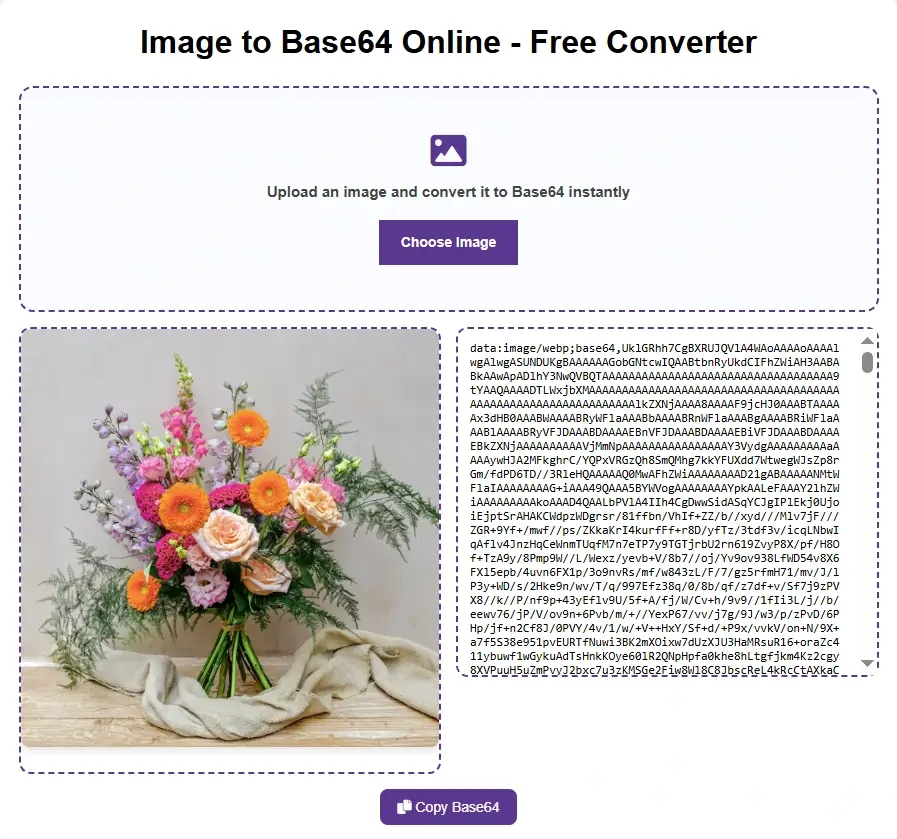
How To Convert an Image To Base64 Encoding?
Converting image to Base64 format is necessary for embedding graphics directly into HTML, CSS, or JSON files without any external references. Here are the simple steps to convert your photos to Base64 encoding using free online tools:
Upload Your Image File
Click the "Choose File," "Upload," button on the converter page and select the photo you want to convert from your computer or device.
Automatic Instant Conversion
Our tool automatically detects and converts your picture to Base64 format the moment you upload it, without having to click on any button to convert the photo.
Live Preview
View your uploaded photo side by side with the Base64 code generated, thus confirming that you have encoded the right file.
Copy the Base64 Code
Click the convenient Copy button to instantly copy the complete Base64 string including the data URI format to your clipboard.
Implement in Your Project
Simply paste the Base64 code that you copied into your HTML, CSS, JavaScript, email templates, or API calls wherever you want to embed the picture.
Our utility provides a quick, safe, and fully free way to convert images to Base64 without any file size limitations and watermarks. Just what web developers, designers, and bloggers need to directly embed photos into their code, minimize HTTP requests, speed up page loading, and forget about depending on third-party photo hosting services.
Understanding Data URI Encoding: The Foundation of Modern Image Optimization
Data URI encoding represents a major shift in how web browsers are able to handle visual resources. As such, it allows users to send a request to load a visual resource contained within another resource, such as HTML and CSS documents. This allows users to avoid loading a second request via a network request to a separate resource. This occurs by converting that photo into a text representation using a 64-member alphabet. As a consequence of using data URI encoding, a string of characters becomes longer than the original binary file. This increase in length can be 33% or higher; however, such a procedure can benefit users of smaller images and resources such as logos because of the diminishment of a second request to a network resource. To understand this encoding mechanism, users must appreciate several components. For example, users need to understand how MIME type specification allows users to define how they want to use data URI messages. Furthermore, users need to understand how characters are used for data alignment. This encoding mechanism represents a standard across web browsers, meaning users are able to rely upon it across different operating systems.
PNG, JPG, and SVG Format Considerations
In this context, it has to be noted that different image formats are seen to have distinct behavior during the encoding process. In this context, considering the PNG format, which represents Portable Network Graphics, it has to be noted that PNG images are superior for encoding purposes. This is because PNG supports data transparency.
Unlike JPEG images, PNG photos can be converted to encoded strings keeping the transparency properties as well. JPEG represents Joint Photographic Experts Group photos. Even though JPEG is comparatively superior for encoding purposes if the image format is photographic, JPEG images are seen to be larger relative to image quality. However, in the context of encoding, JPEG encoding has its own advantages if dealing with photographic materials, since gradual color changes are more prominent.
For instance, when encoding an image into a string using PNG, a lesser length string can be obtained relatively, if visual quality is not compromised. In terms of scalability, which represents a significant advantage for the new-age image format, WebP has to be noted as the best choice for encoding images since it offers superior compression relative to even PNG pictures. However, not all browsers are seen to accommodate this format.
CSS Background Integration: Stylesheets and Data URIs
Cascading Style Sheets are particularly powerful when it comes to integrating photos into a web page without any extra files. The main technique in this process involves strings for background photo specifications, like this: background-image: url(data:image/png;base64,iVBORw0KG.); The basic benefit here is that it eliminates any need for an image request for any background picture you use in this way—reducing the number of HTTP requests required for the page to load.
With repeats and textures, the backgrounds in CSS are prepped and ready to go, eliminating the common “waiting around” effect that people experience as their outside textures are downloaded. Borders, as they are intricate outside elements that CSS can process, can profit significantly as well by eliminating the necessity to download a number of discrete images, as the small border fragment images are drawn on straight from the CSS. CSS sprites profit from this as well, making a completely contained and embedded version of the sprites that exist entirely within the CSS as an encoded data bundle.
Email Template Development: Ensuring Visual Consistency
Email marketing and transactional emails face one peculiar problem: the most popular clients out there don't allow photos by default. Gmail, Outlook, Apple Mail-all block images until the recipient enables them explicitly. That's a safety precaution-one that prevents tracking pixels and potentially bad content-but makes life pretty difficult for designers who are trying to create visually appealing branding or get their message across. So what's the solution? Encode the images so the visuals ride inside the HTML itself. In the case of encoded graphics, logos and headers appear immediately upon opening the email, along with key call-to-action buttons, requiring neither the loading from external servers nor user permission.
Size becomes a genuine barrier here. Most e-mail platforms have some limit on the total message size-Gmail, for instance, tends to top out around 102KB-so you need to optimize images and encode only what is vital. Encoded images also handle the forward messages much better since the visuals travel with the email, rather than pulling resources from the original sender's domains or expired links.
Responsive design benefits, too: encoded strings remove the headache of managing photo paths across various screen sizes since the data is embedded and renders consistently. Testing across clients does show, however, that support for encoded images is uneven. Some older clients limit how long an encoded string or total encoded data can be, so thorough cross-client testing before going live is important.
Performance Optimization: Balancing Size and Speed
The level of understanding with regards to the visual data comes from a variety of factors that affect the loading times and smoothness with regards to visual data. In this case, a 33% bump in size occurs during the creation of visual data. This implies a cost in bandwidth with regards to the loading of these visual data photos because they are larger than the corresponding binary data. The key consideration with regards to where this can be most effectively done is in small photos that are less than 10KB in size because the bandwidth savings over the number of HTTP requests is not sufficient.
Another important factor is browser caching. When a page uses encoded pictures, these are also embedded into CSS or JavaScript code, which then gets cached by the browser. On subsequent page loads, as the CSS or JavaScript gets cached, these embedded photos can be considered to be loaded immediately, as opposed to traditional photos, which will definitely need cache validations.
For optimizations of the critical rendering path, if the encoding is favorable, then pictures being used above the fold can have a positive impact, as photos will not block the initial HTML parsing due to being inline as opposed to being an external request.
It is noticed that HTTP compression affects encoded pictures as opposed to binary ones. For example, servers can gzip-compress HTML, CSS, and JavaScript files carrying encoded images, but they do not compress as well as they would have if they were binary.
There are newer formats like WebP, which provide greater compression than PNG or JPEG. These provide some of the smallest encoded string sizes, helping to offset the intrinsic size increase of encoding. This choice of format can be an important optimization.
Finally, with regard to lazy loading, adjustments need to be implemented with respect to encoded photos. The standard trick used to switch out a src attribute with a placeholder URI does not work with images embedded within a document. This problem is typically addressed by using visibility-based conditions with JavaScript.
Frequently Asked Questions
What is the maximum file size I should encode?
The best limit for this should depend on usage, but as a general guideline, it is best to ensure the original size of the photos is between 10 and 15 kilobytes. Using larger pictures may result in the encoded pictures greatly increasing the weight of the pages, where the benefit of reducing HTTP requests is not as significant as using smaller photos. When it comes to email template photos, it is important to ensure the size of the encoded photos is below 50KB to prevent compatibility with various email clients.
Does encoding images improve SEO and search rankings?
Encoded images have a neutral or even slightly negative influence on SEO in comparison with traditionally linked photos. Meanwhile, search engines will be unable to take into account the content of encoded photos in image search results. The SEO value of alt text is even identical, whether it was applied with encoded pictures or traditionally linked ones. In any case, if search visibility in pictures is a key element of a given webpage, then traditionally applied img tags should be given preference over encoding.
Can I use encoded pictures in WordPress or other content management systems?
Well, it depends on each platform. In WordPress, you can have encoded pictures directly in HTML and CSS using their theme editor or custom HTML blocks. Most page builders also allow encoded photos using their custom code elements. The problem is that most of the media libraries by default in CMSs don't generate encoded output. In most cases, you need to depend on a third-party plugin or some kind of manual conversion workflow outside the CMS interface to get the encoded strings embedded.
How do encoded photos affect mobile data usage?
Such pictures will be about 33% larger than the size of the original binary picture. In other words, mobile users will be consuming more data if they are allowed to visit web pages containing such photos. With the fewer HTTP requests, they will experience improved speed on high-latency mobile connections because the time to set up connections can be much greater than the time to transfer the data.
Do encoded pictures work in all email clients?
You will find most email clients today support data URIs, or encoded pictures, such as Gmail, the latest versions of Outlook, Apple Mail, as well as several web interfaces. That being said, there are some older email clients with size restrictions or which do not support data URIs altogether. It is, however, important to note that a test will have to be done concerning compatibility with these email clients, with many developers recommending that the image data be kept as small as possible, under 50KB.